
ANDROID TEST TEAM · 21+
Android users,
you’re up.
Your neighborhood. Your rewards.
Help us bring One Stop to Android.
Opens a text for you to review and send. Include the Google email used in your Android Play Store. Never send a password or SMS sign-in code.
Prefer email? Request access here →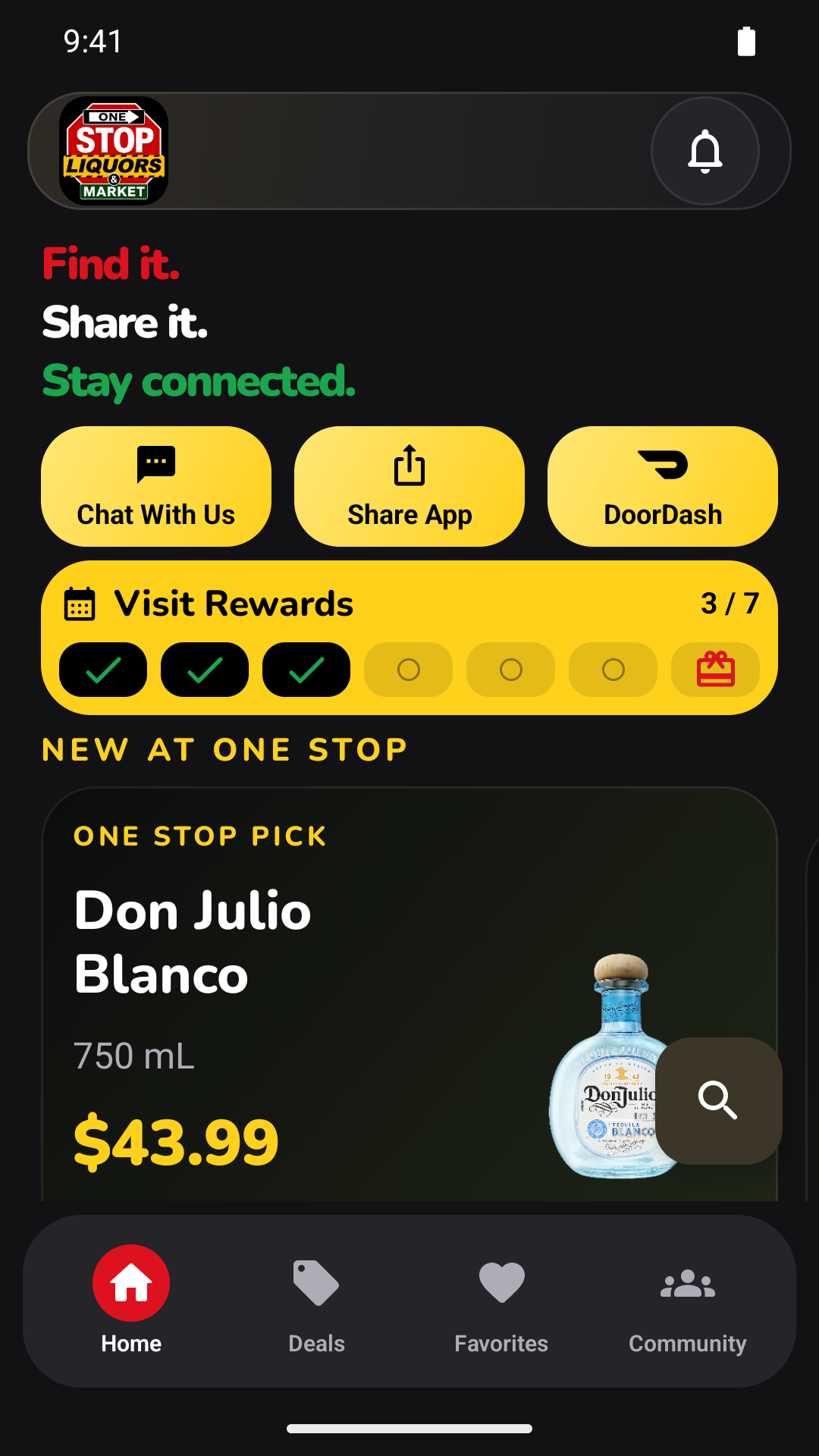
A FEW SIMPLE STEPS
Get started.
- Send your Play Store email.
Open Play Store on your Android and tap your profile photo to find the email. Staff will add it and reply when your invitation is ready.
- Accept your invitation.
Use that same Google account, open the test link below, tap Become a tester, then install through Google Play.
- Sign in and try it.
Use your own phone number for One Stop sign-in. Allow notifications if you want store updates. Tell staff what worked and what needs fixing.
Closed test: join after staff confirms it is open →
The Play links work after staff adds your Google account. The internal test is available to invited testers now; the closed test becomes available after Google approves its release. Android 8 or newer required. The app is in invitation-only testing and is not yet publicly released. Once the closed test opens, use its separate link and stay enrolled continuously for at least 14 days. Joining the internal test alone does not count toward that period.